Click here for step-by-step instructions on how to export PDFs from Artbutler NEXT.
Portfolio
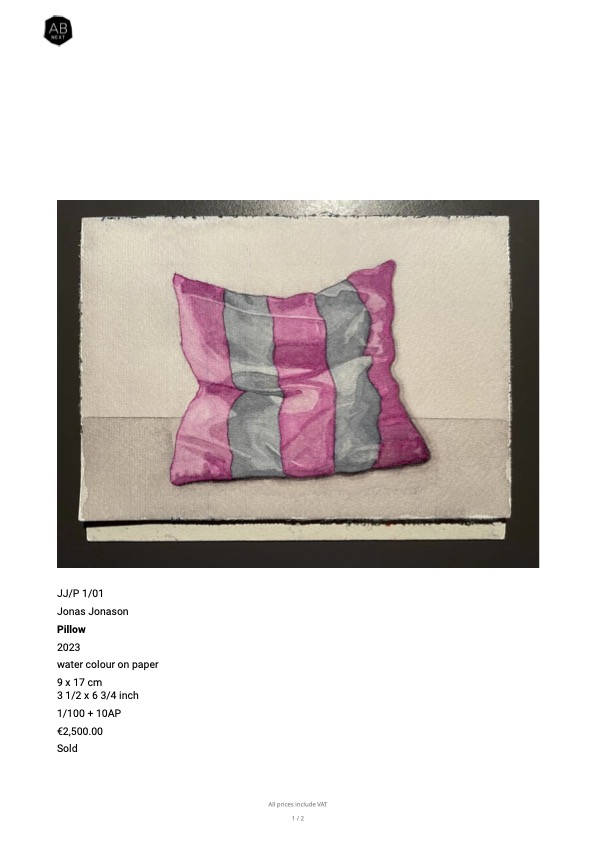
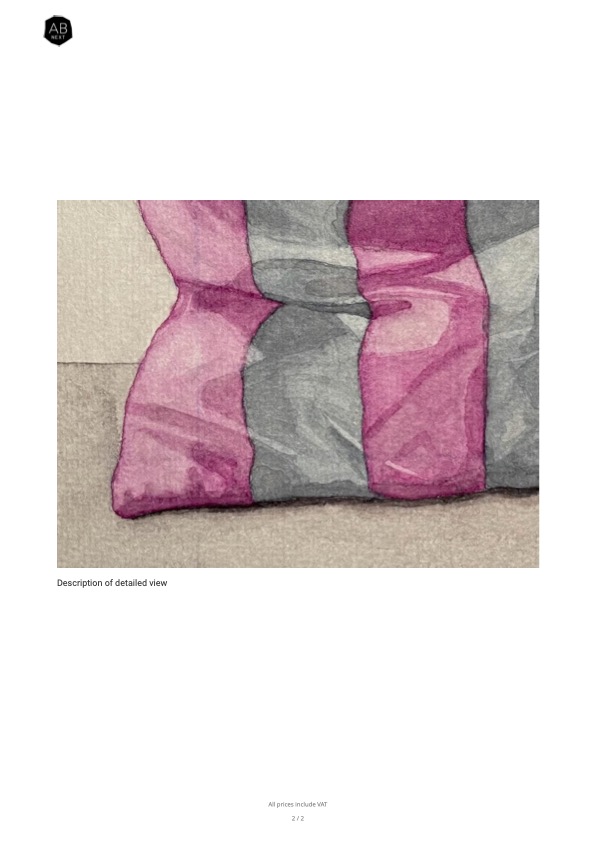
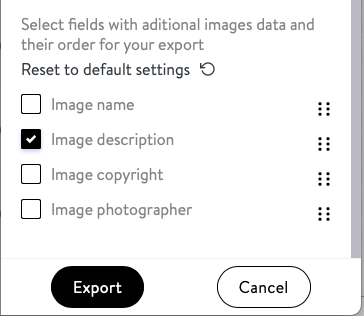
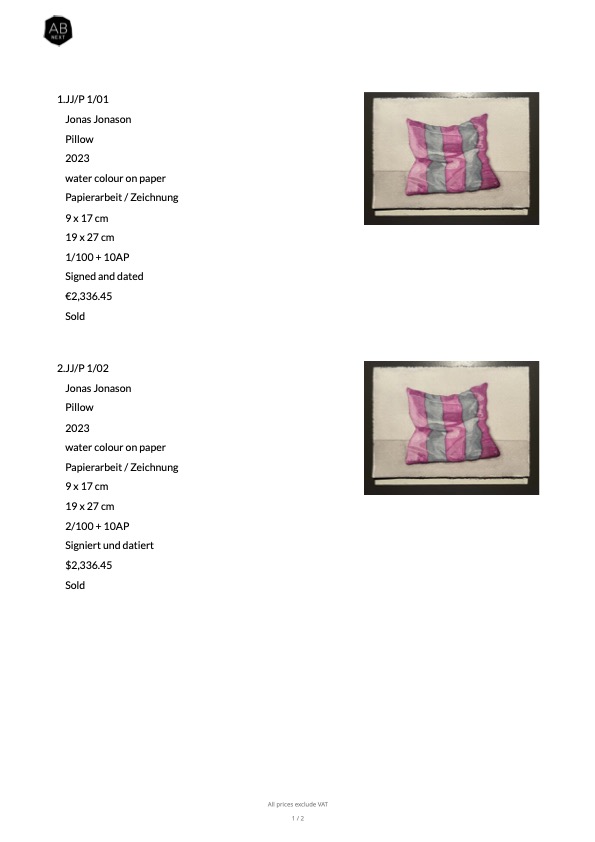
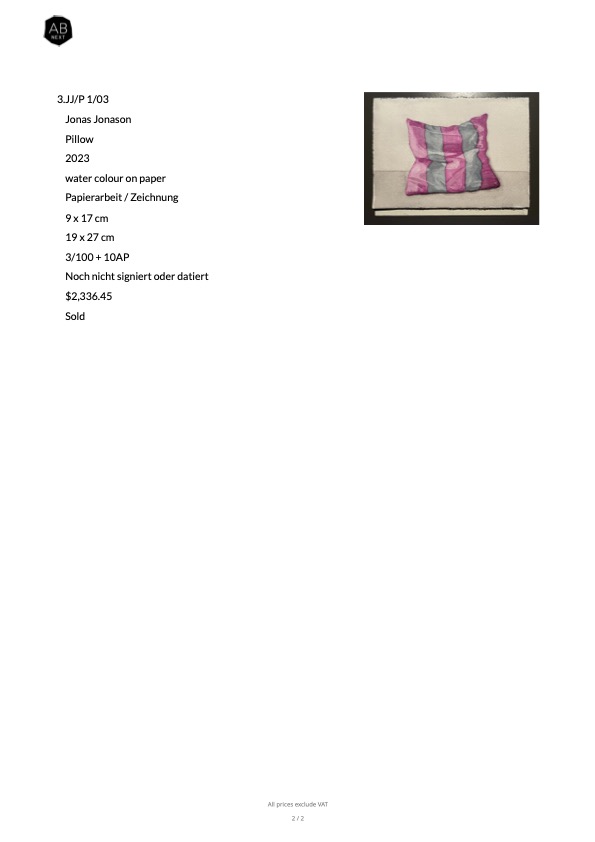
One work per page with the standard image on the first page and optional detailed images on subsequent pages for detailed information on selected works.
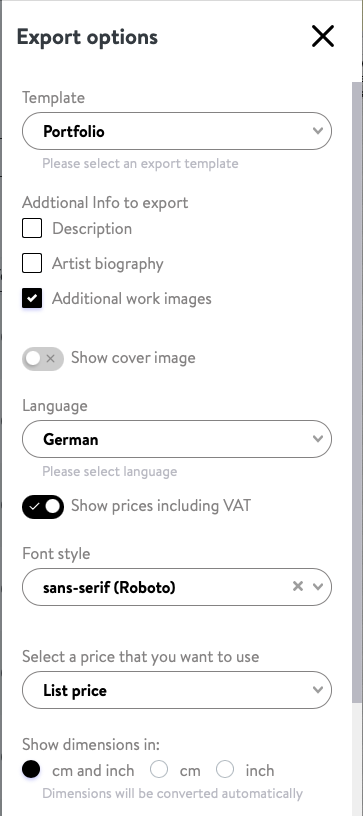
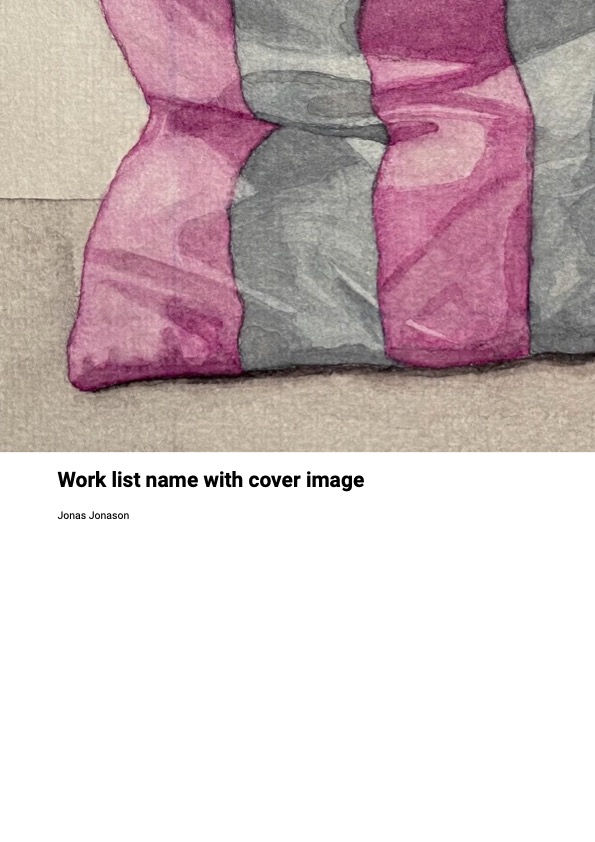
Portfolio with cover image and artists biography: Optionally, a title page and an extra page with biographical information about all artists can be added at the beginning.
Lists of works
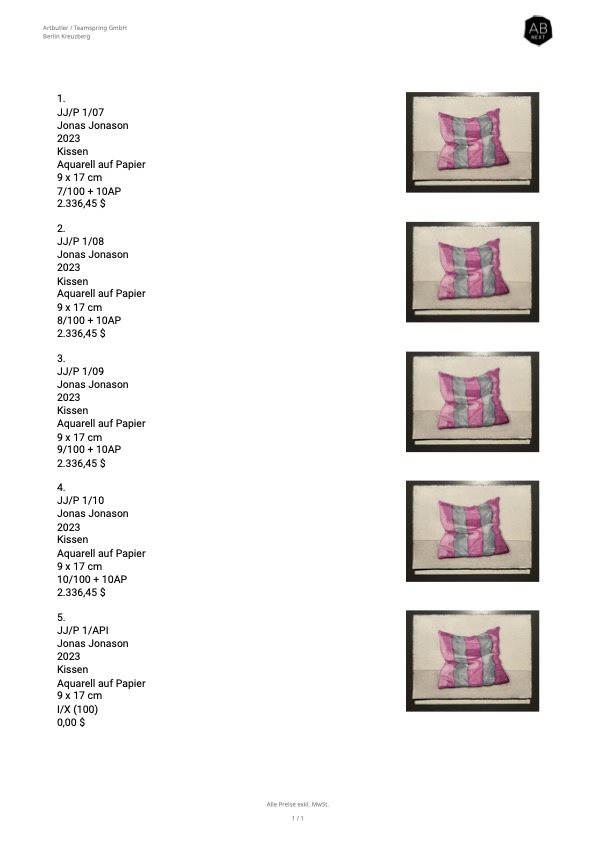
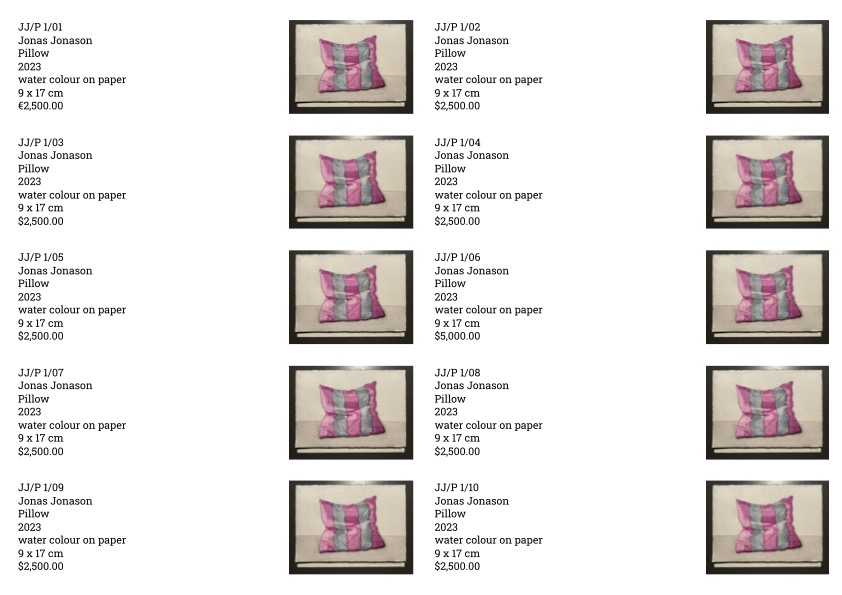
5 works per page
To ensure a consistent appearance, the same number of works is always displayed per page.
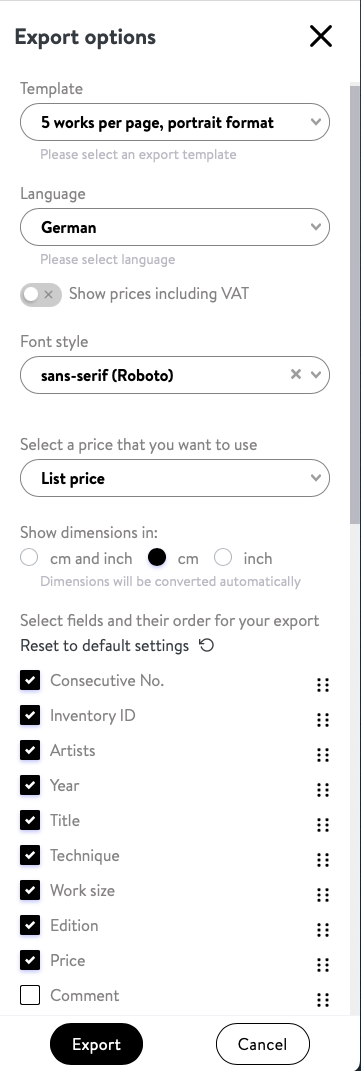
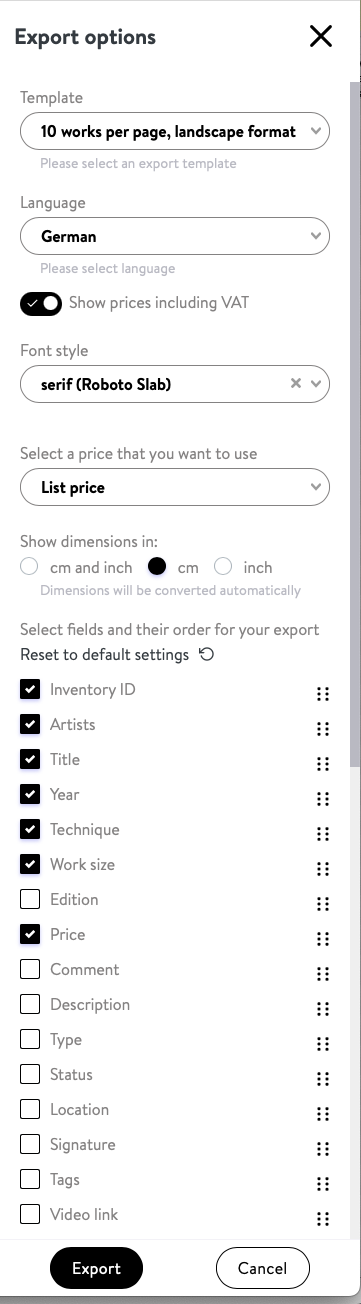
With consecutive numbering selected in the export options.
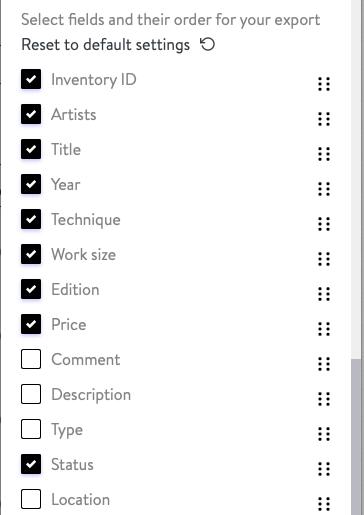
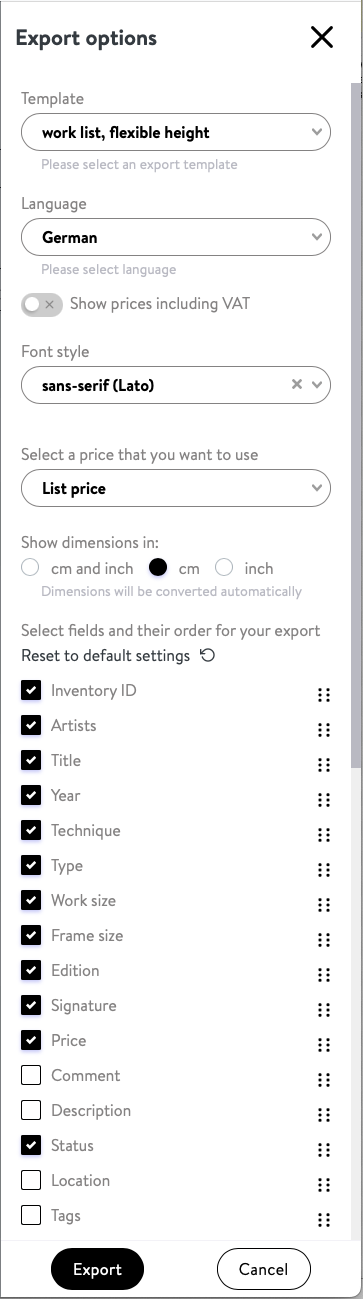
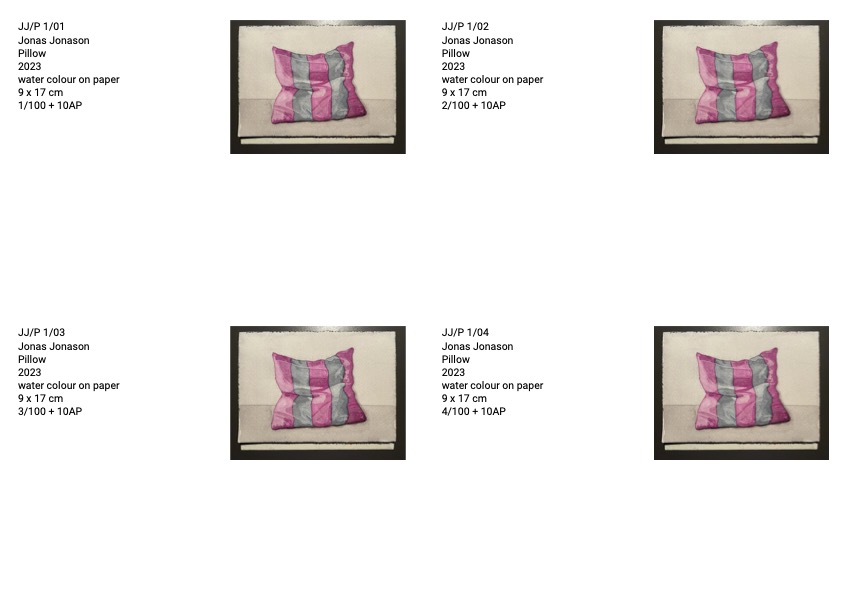
All work images are displayed in the same width, with portrait formats correspondingly larger than landscape formats. All selected fields of the works (e.g., inventory number, description, and sales status) are displayed in full height. This allows for flexibility in the number of works per page.
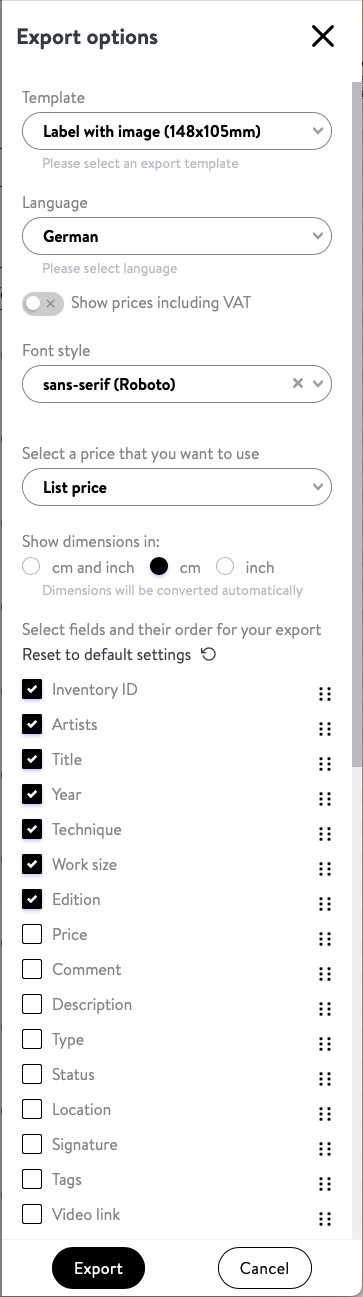
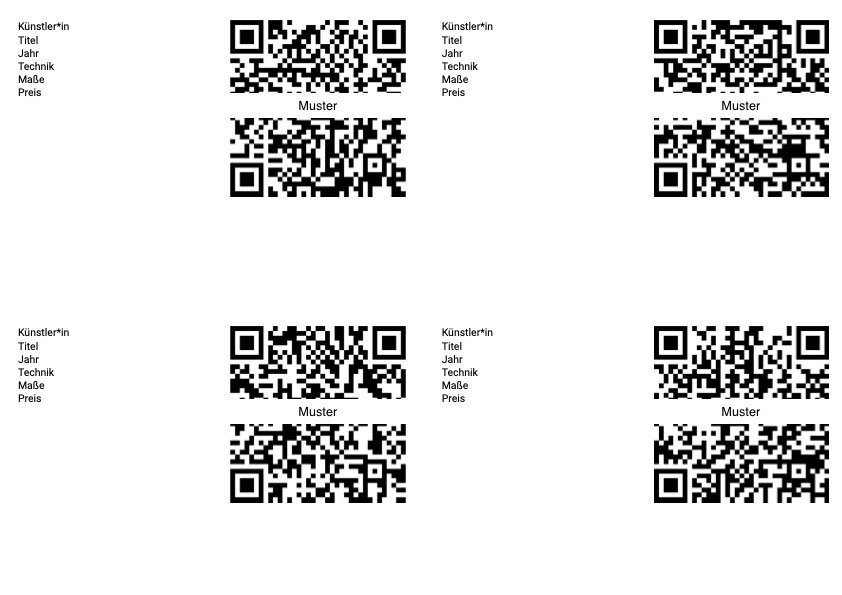
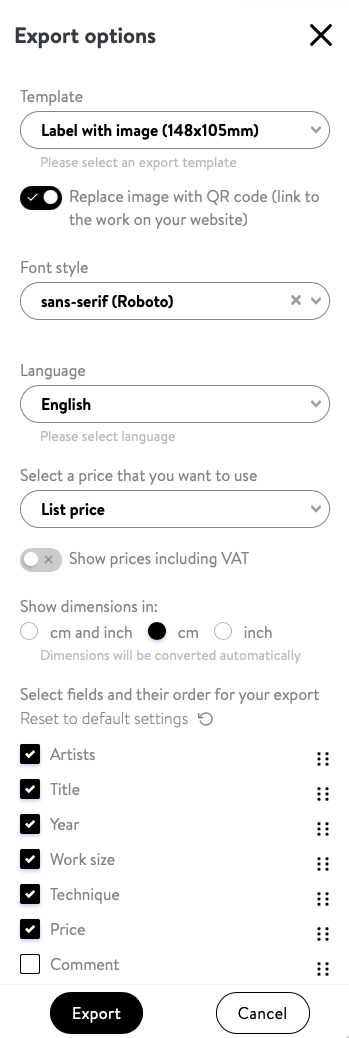
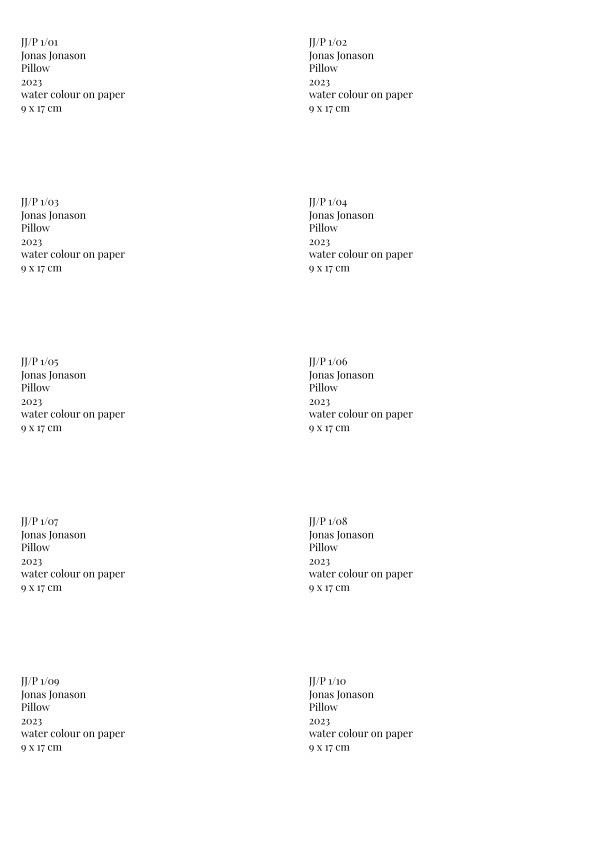
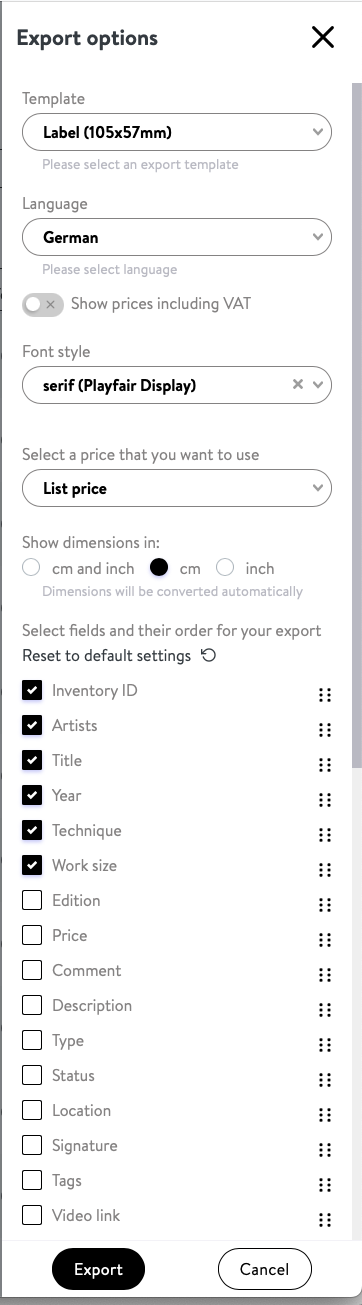
Artwork description and QR code linking directly to the artwork page on your Artbutler NEXT website. The artwork-specific QR code automatically replaces the image. Ideal for fair and exhibition labels.
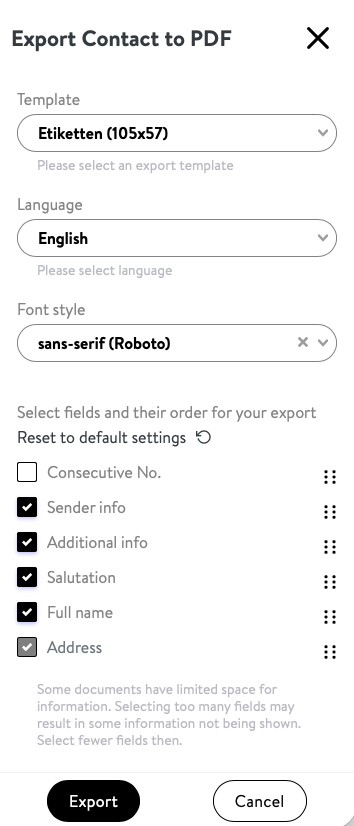
With the ‘Salutation’ option (Ms, Mr), this information is inserted above the person’s name. The title (Prof., Dr.) is always part of the person’s name.
For contacts with a ‘Business’ postal address, the company name is exported. If the ‘Full name’ option is enabled, the person’s name is also displayed above the company name.
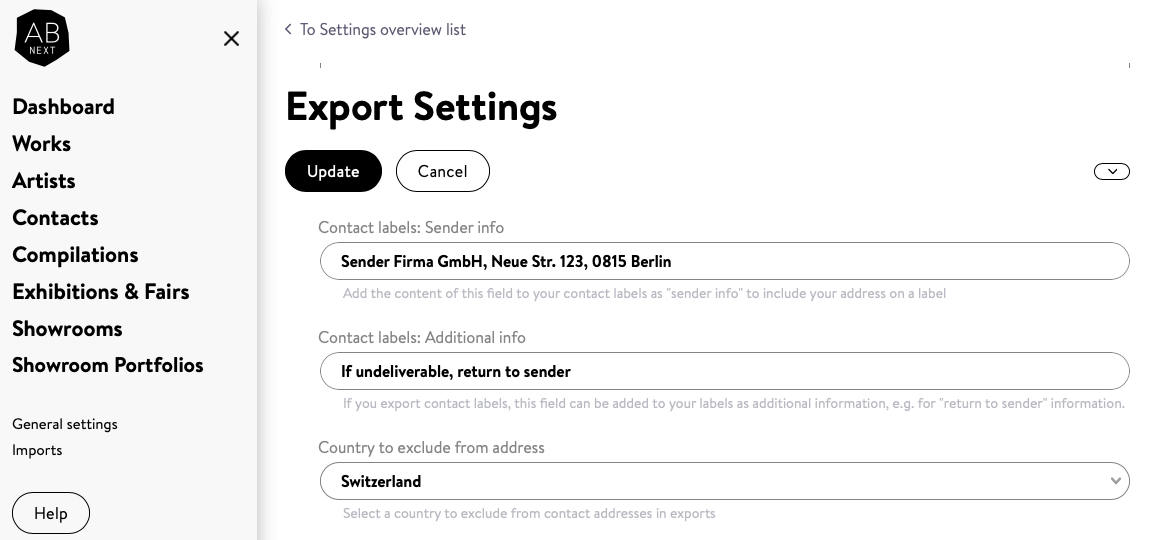
In ‘General settings > Export settings’, you can enter lines for the sender and additional information, as well as your domestic country. In the domestic country, the country is not specified below the city.
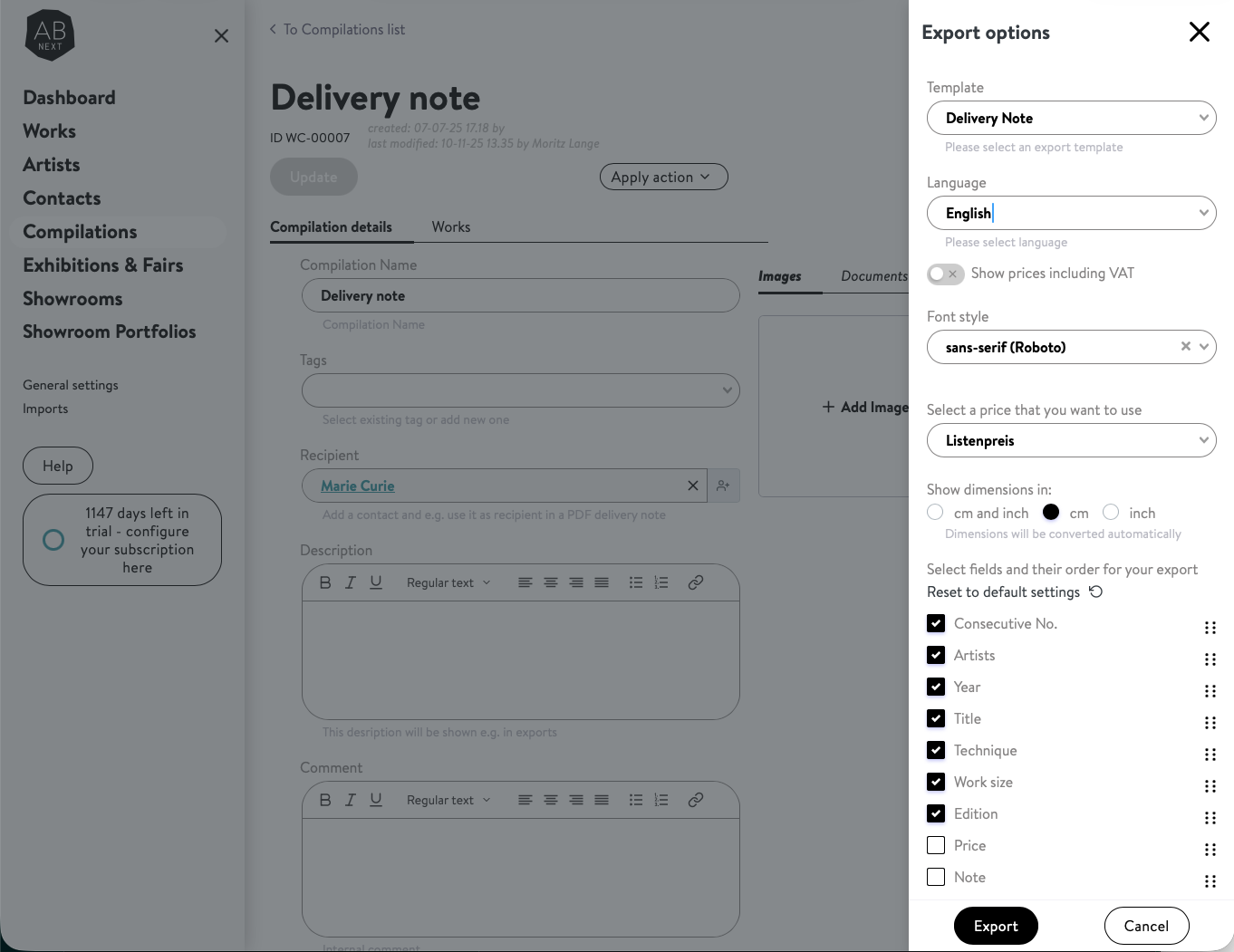
Only available from Artbutler NEXT Compilations. Add an Artbutler NEXT Contact as Recipient. Add a header for your exports in the general settings of Artbutler NEXT.
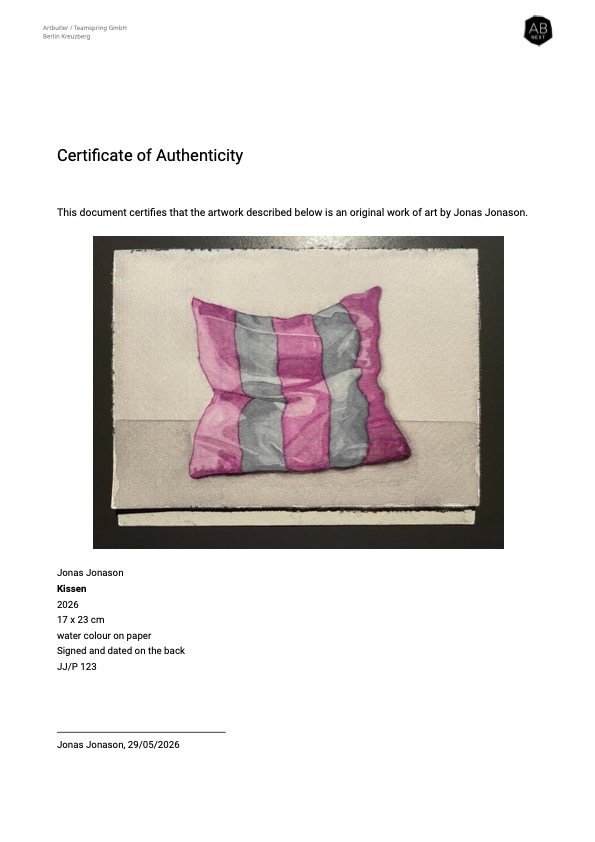
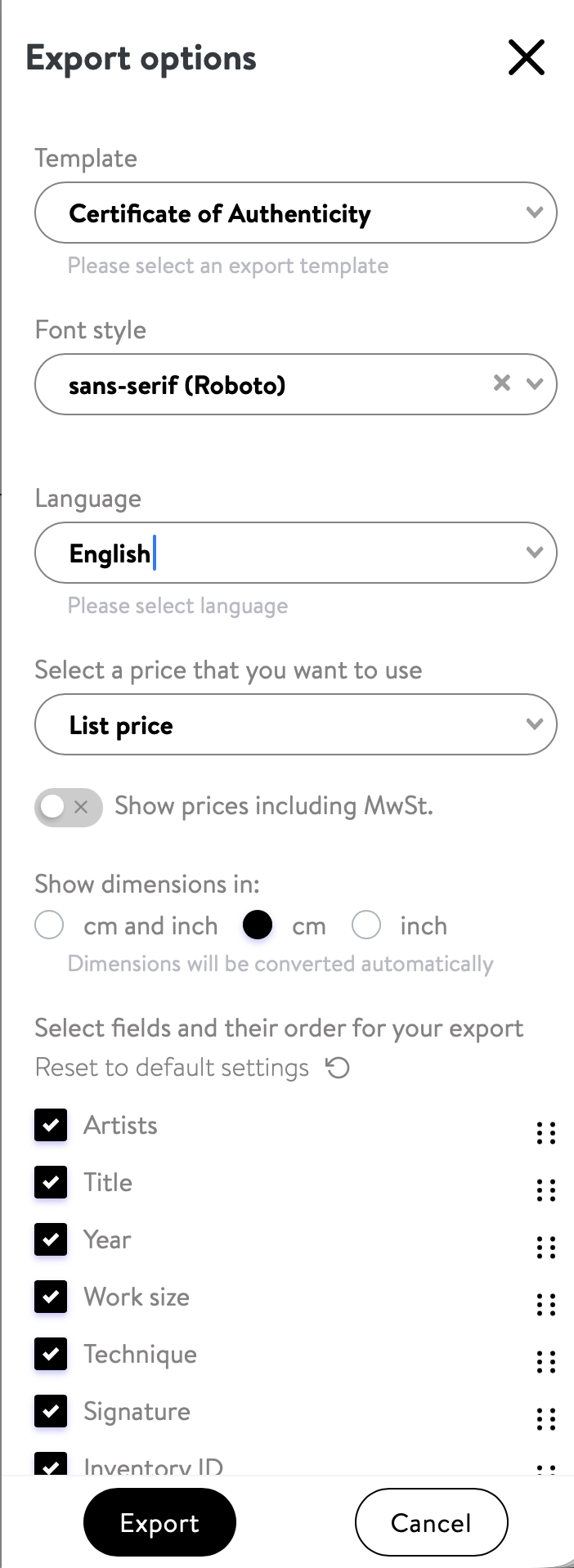
In the general settings of Artbutler NEXT, you can customise the statement of authenticity, the title and the signature line of your certificates under the exports menu item.